1Mellow work team
My firend, Weglad you came to our shop. We are committed to developing 3D printer accessories independently. We have 3 product lines, NF extruder series, NF hot end series and FLY motherboard series. I hope our products can bring you a better use experience. If you have any ideas (products, use, sales), please contact us.We're waiting for you.
1Description
If you have any questions, you can enter our server to communicate https://discord.gg/ZjwW3KtGj4
The new wifi motherboard uses the ESP32 chip, which is only compatible with the stm32 main control chip. If your motherboard is an LPC chip, please continue to use the V1.0 wifi board.
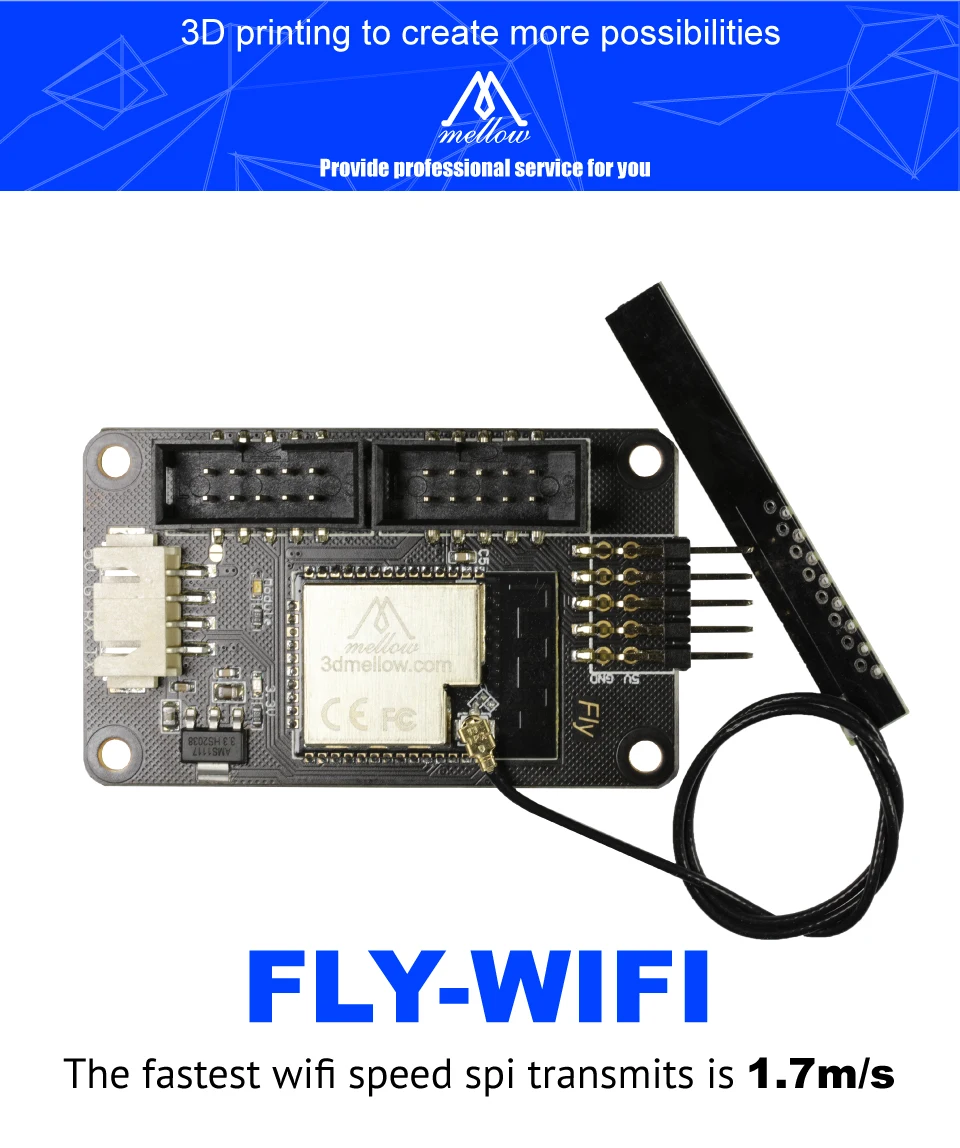
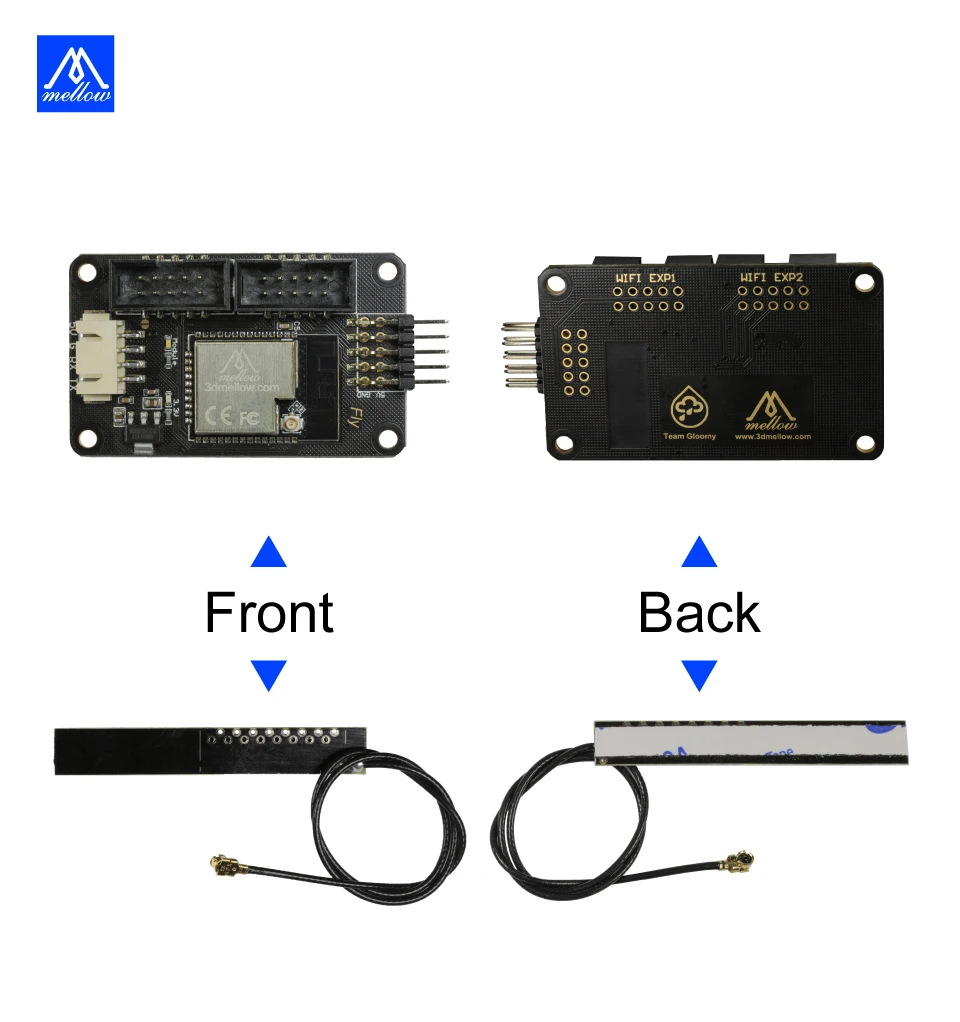
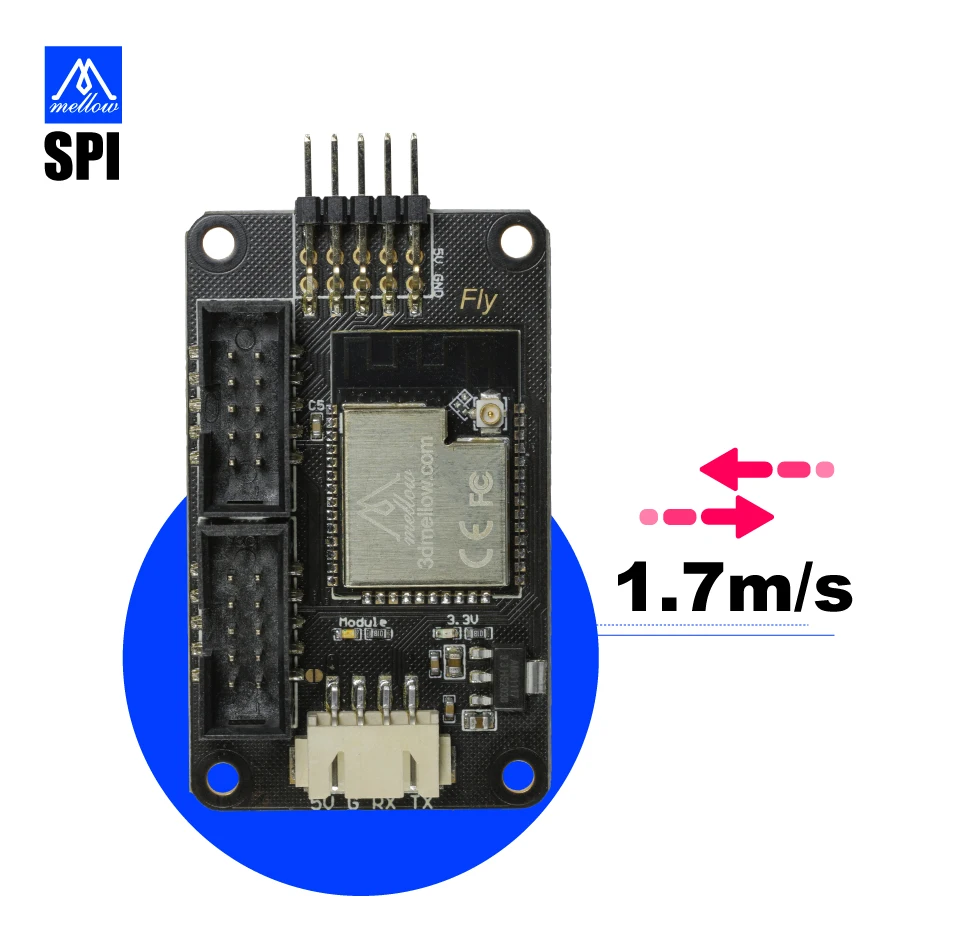
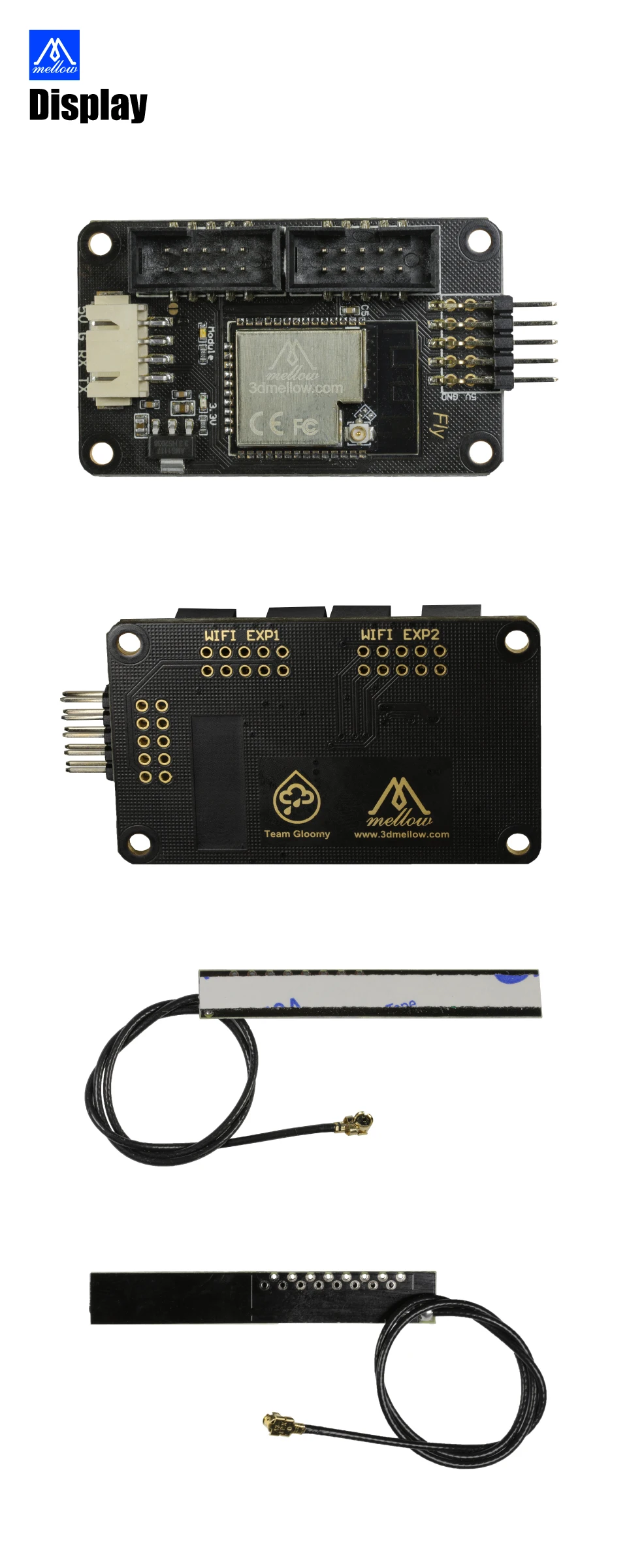
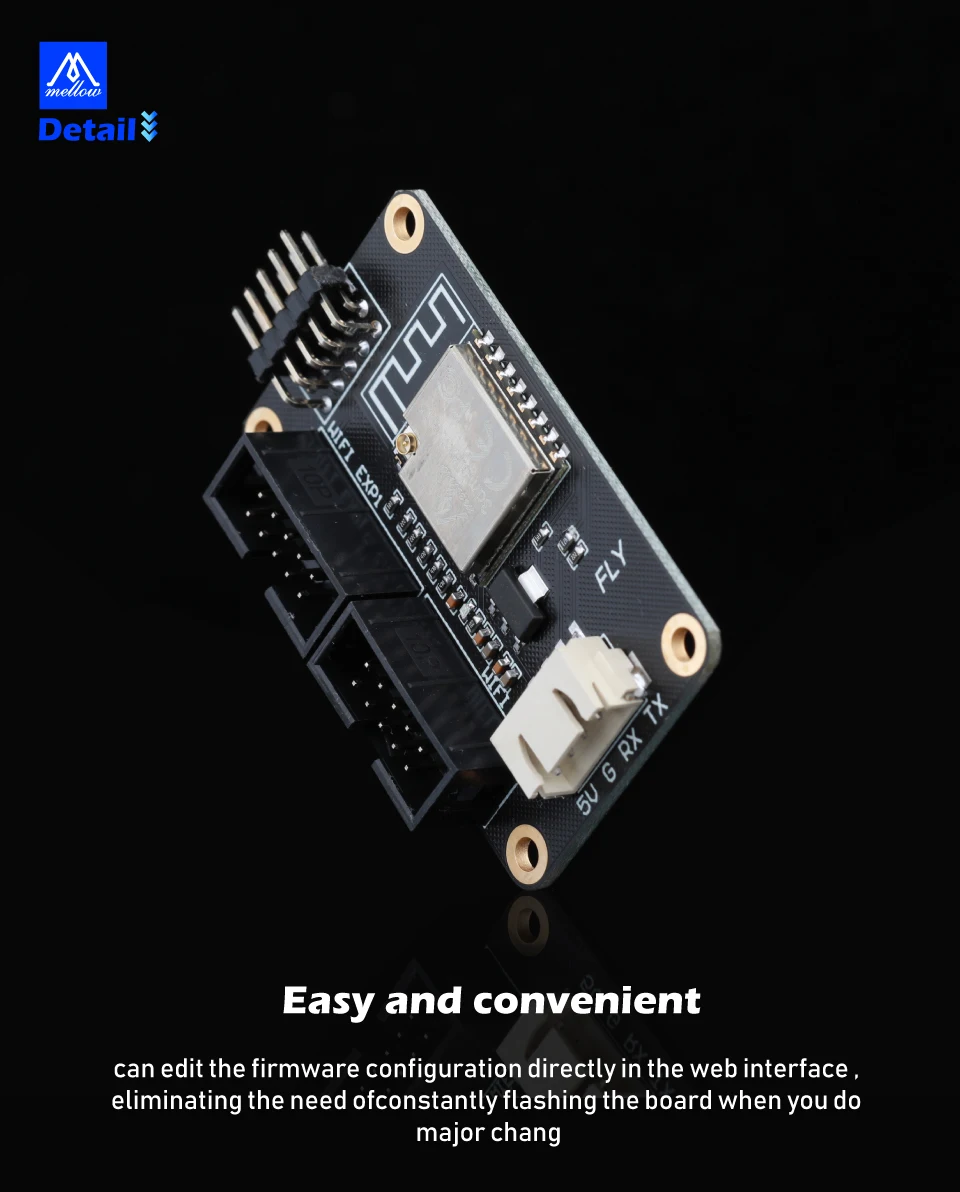
Use this wifi board to upgrade your motherboard to wireless network control. The transmission speed of the rrf network can reach up to 1.7M/S. It makes the operation of the 3D printer more convenient. The firmware can be modified through the web page. This has an antenna board, so it is convenient to install Go inside the metal box to enhance signal reception.
There is a tutorial at the bottom of the page. If you have any questions, you can leave a message to our NF team at this website and we will help you solve the problem.
https://github.com/FLYmaker/ESP8266-WIFI-Module
1Compatible
· FLY-F407ZG
· FLY-CDY V2
· SKR-PRO
· SKR-GTR
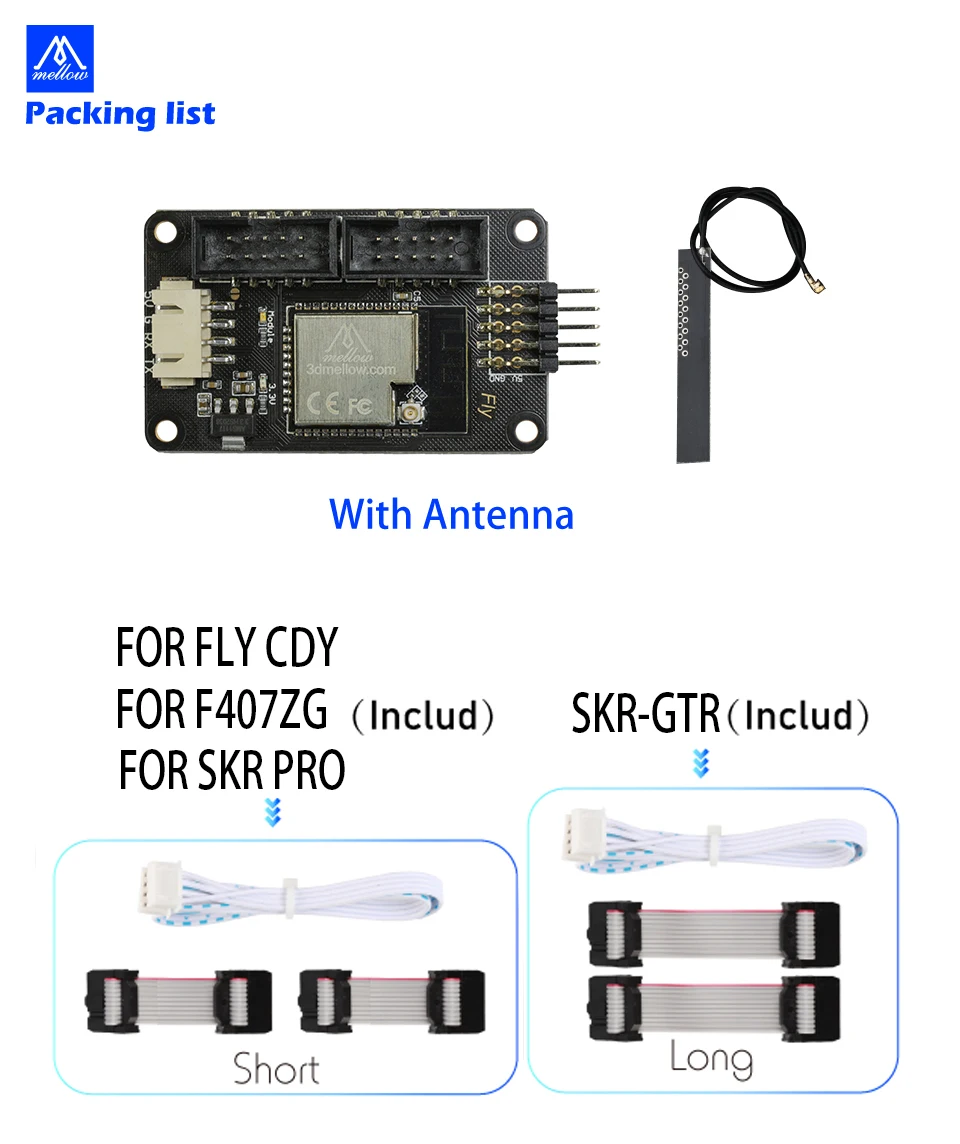
Packege included
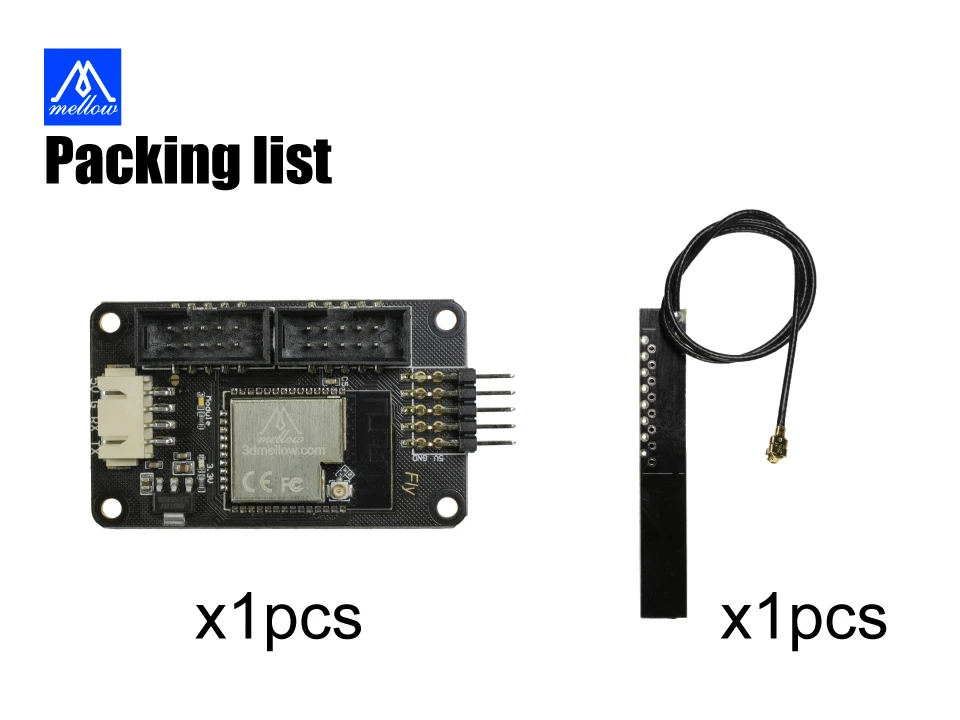
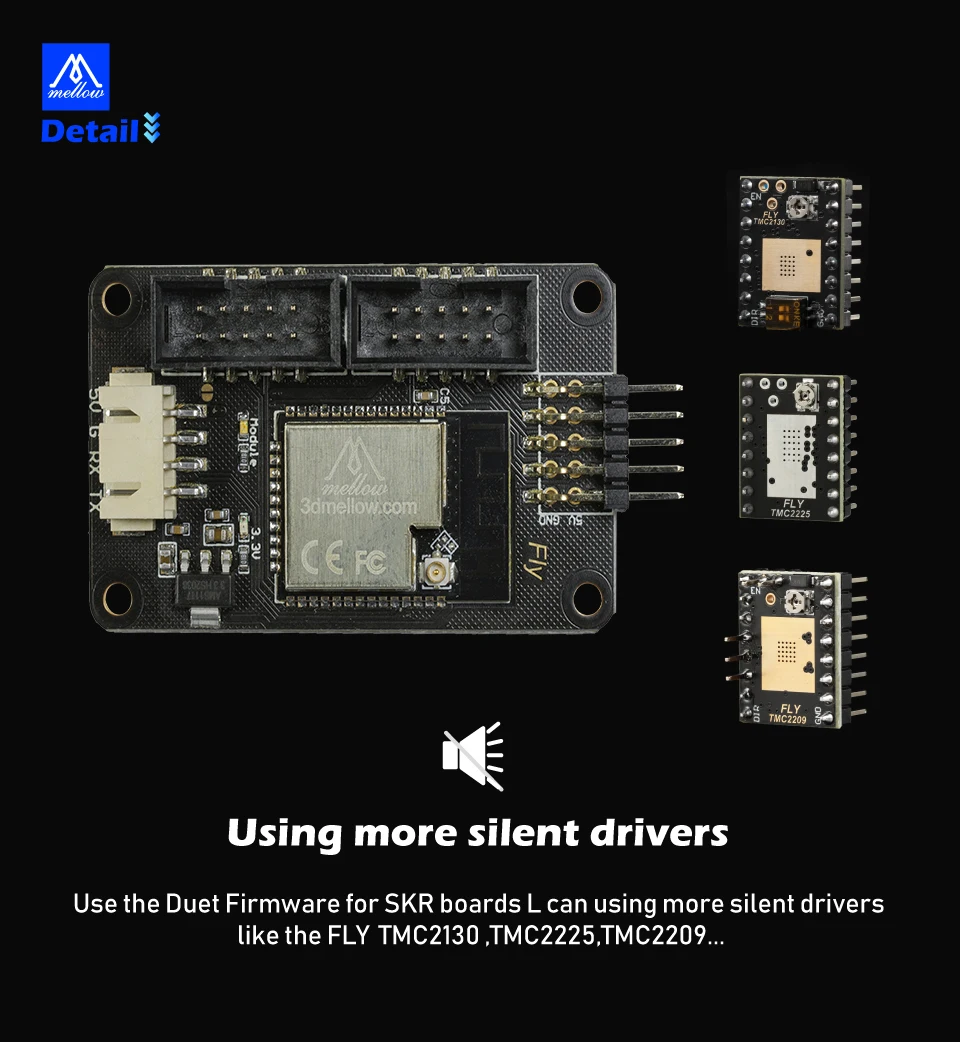
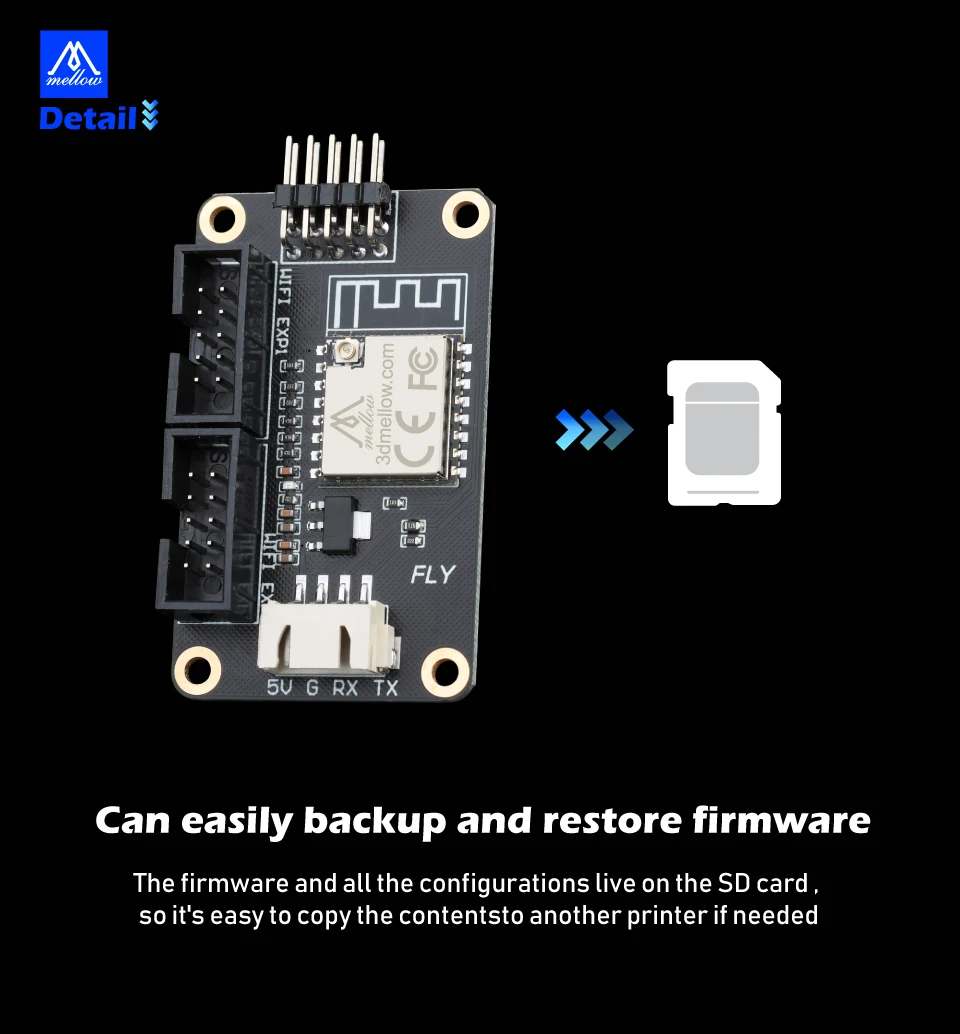
1*Set FLY WIFI V2.0 Antenna ESP32 Board
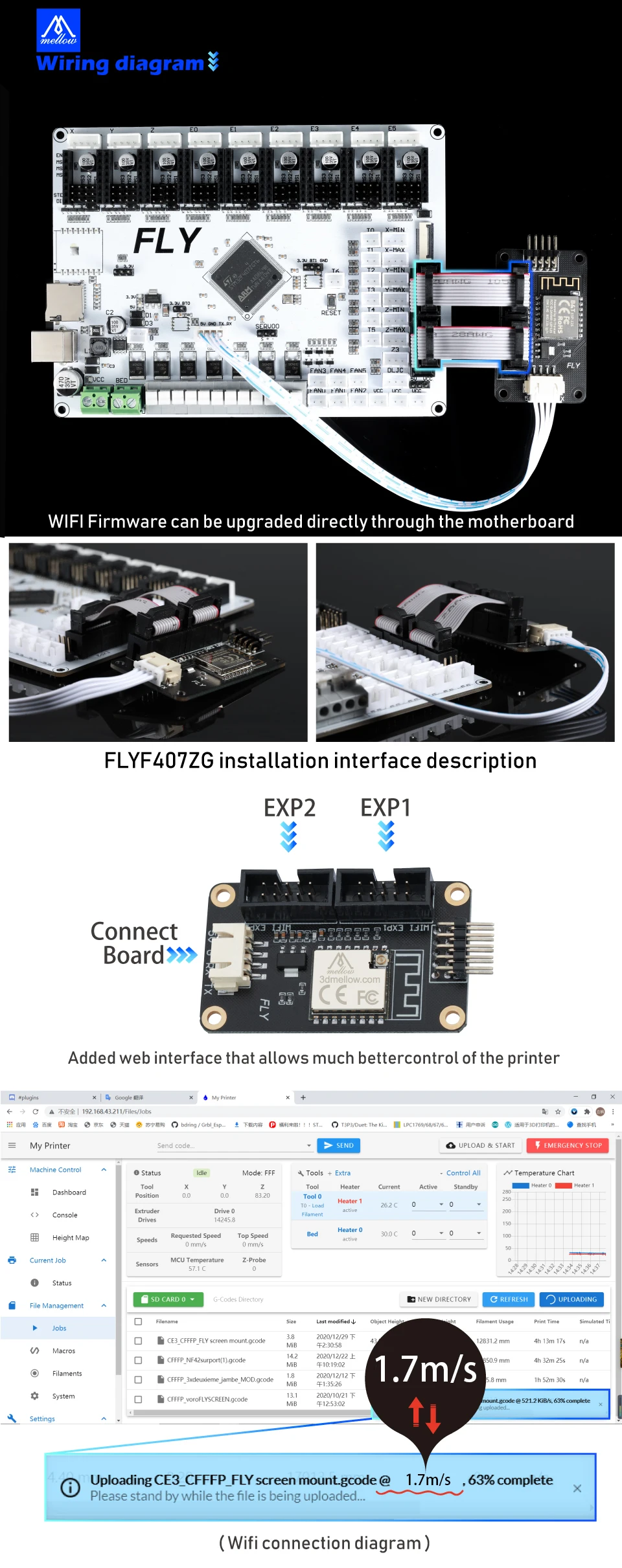
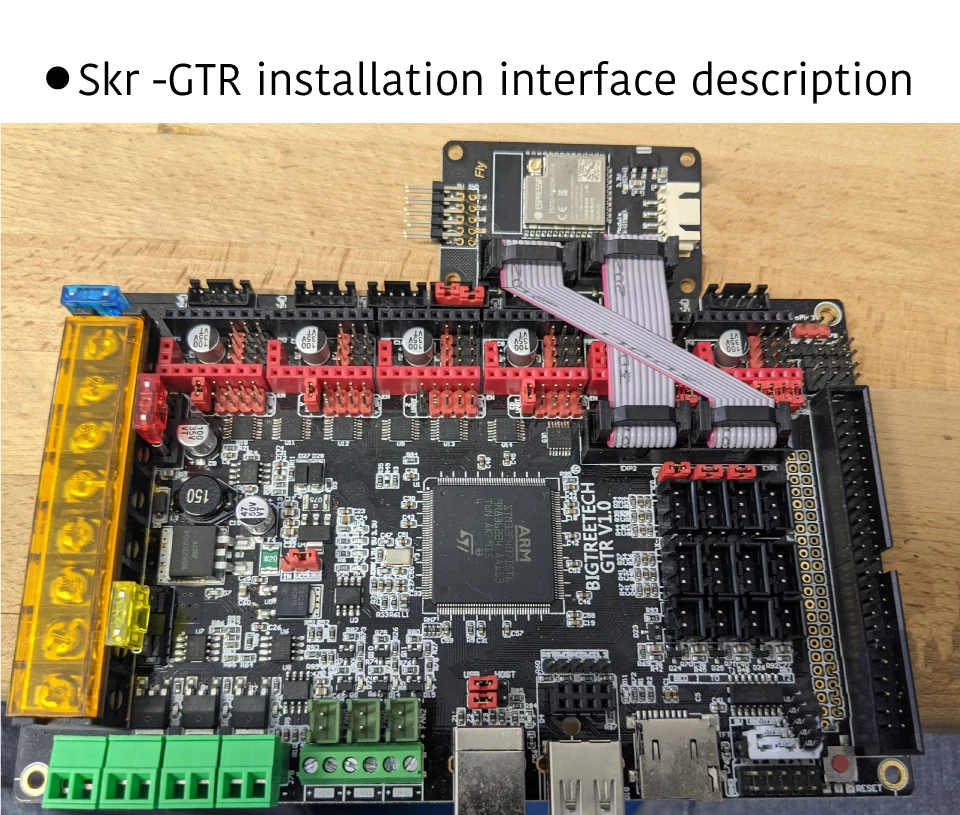
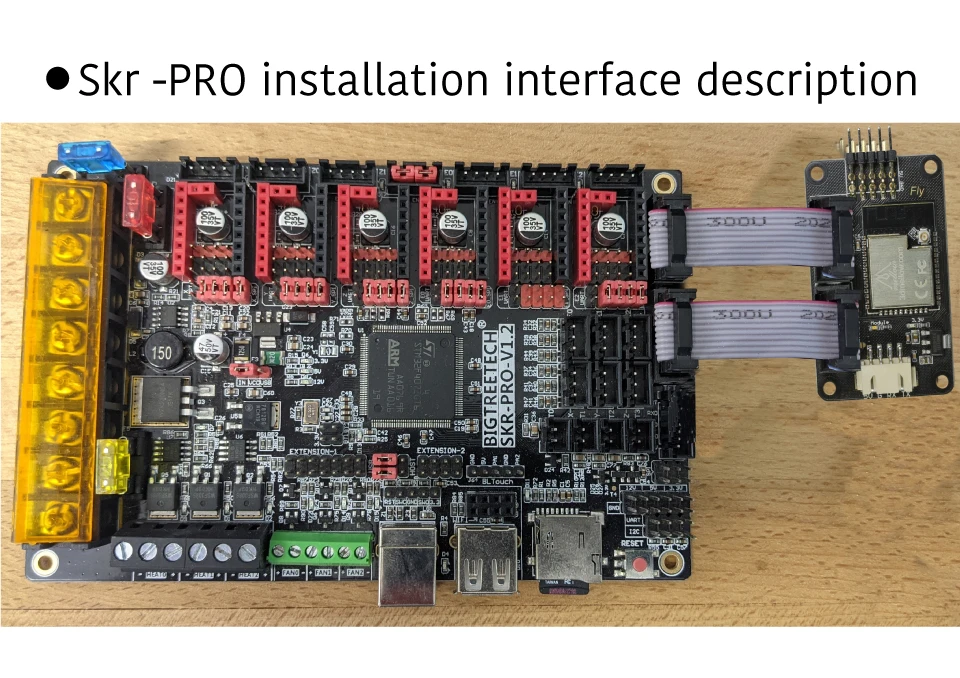
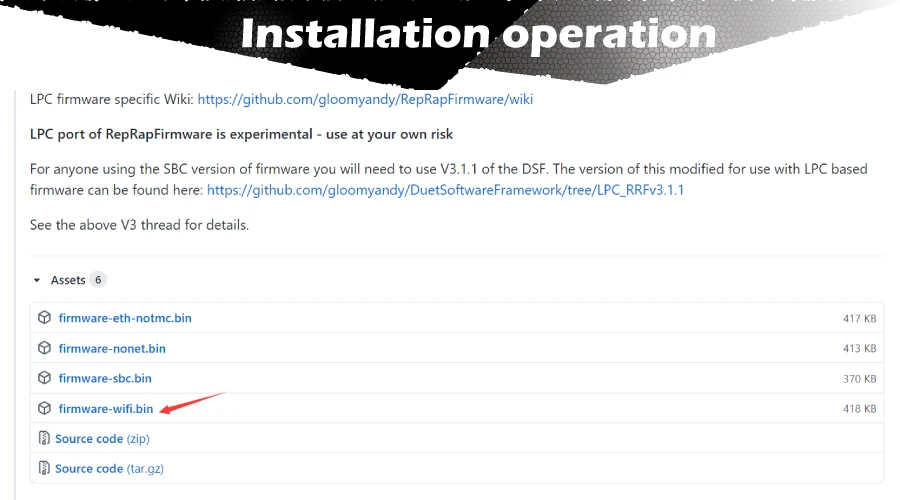
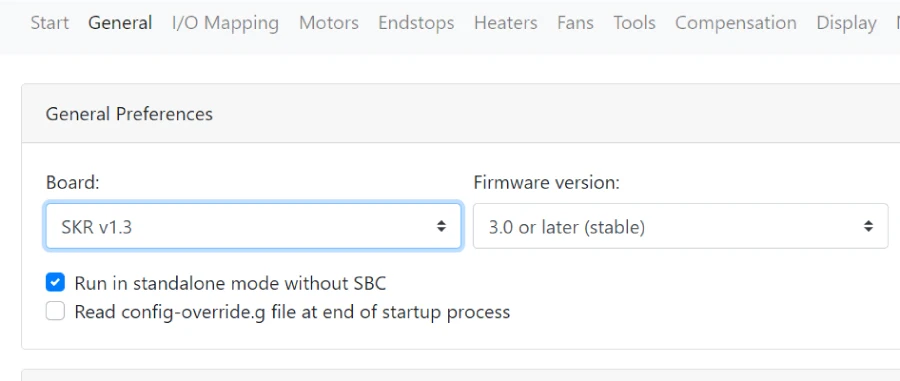
Download motherboard firmware and update motherboard firmware (There are all the files that need to be downloaded under this connection: https://github.com/FLYmaker/ESP8266-WIFI-Module)
Please rename the downloaded firmware-wifi.bin to firmware.bin
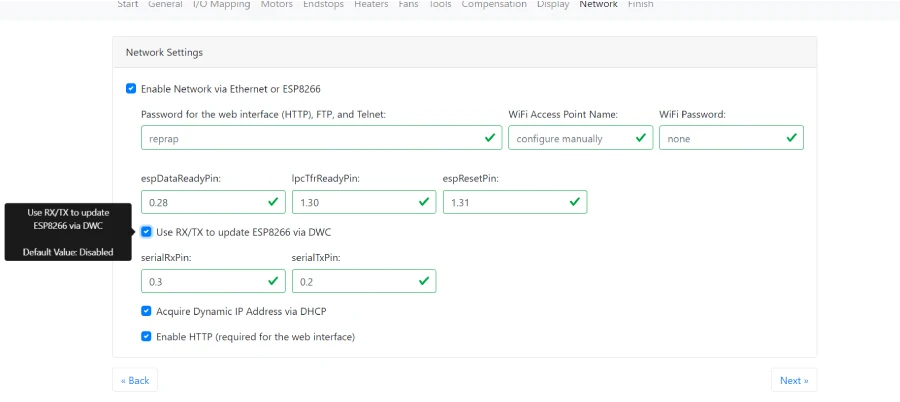
If you want to update the wifi module firmware, please tick: Use RX/TX to update ESP8266 via DWC
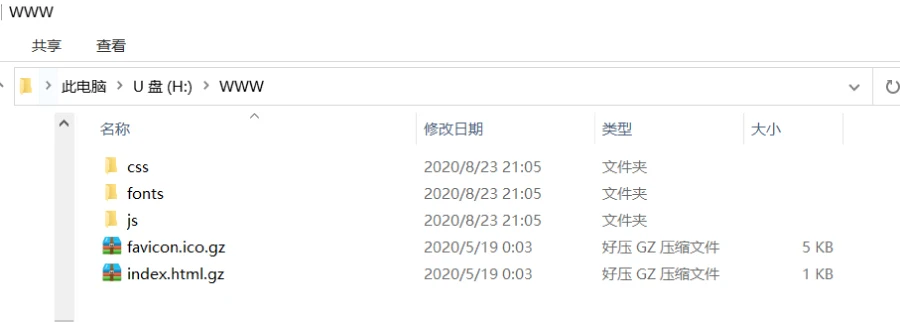
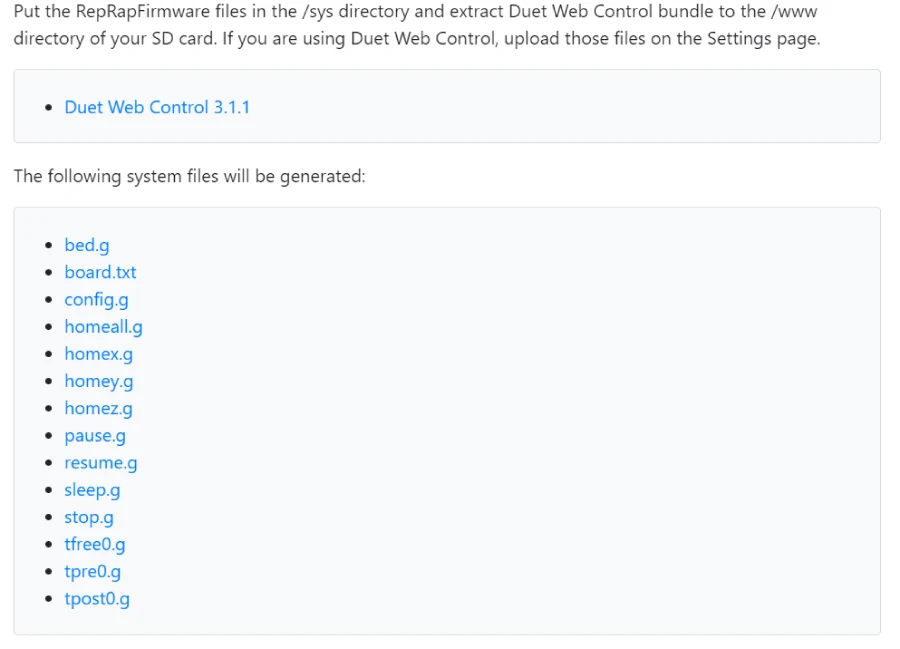
If you configure for the first time, please download Duet Web Control 3.1.1 and unzip it into the WWW folder of the memory card
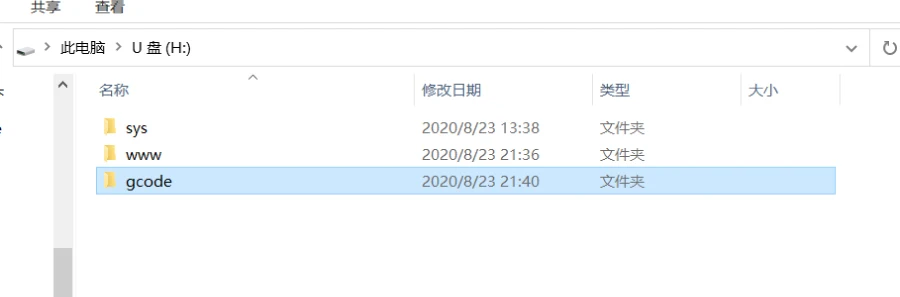
Unzip the config file and put the SYS folder into the sd card directory:
Create a new gcode folder to the U disk directory
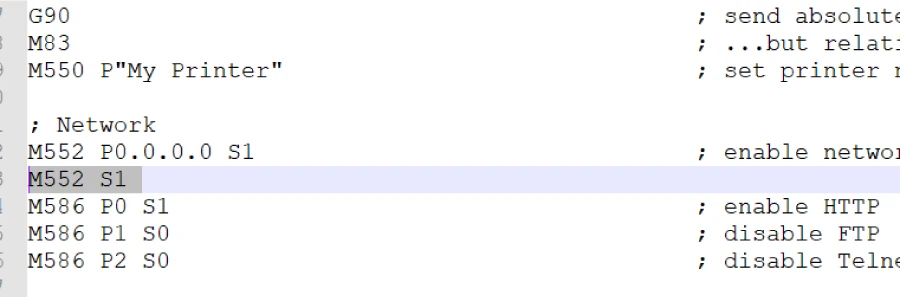
Open the sys folder and edit config.g: add M552 S1 (automatically turn on wifi after the motherboard is started)
After saving, insert the sd card into the motherboard and connect the motherboard usb port to the computer
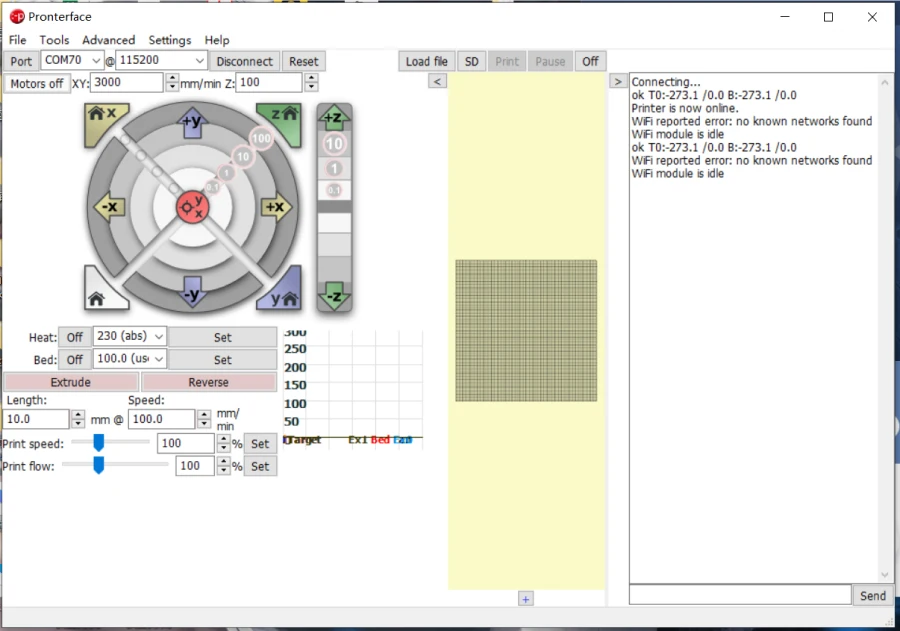
Open pronterface.exe to connect to the motherboard
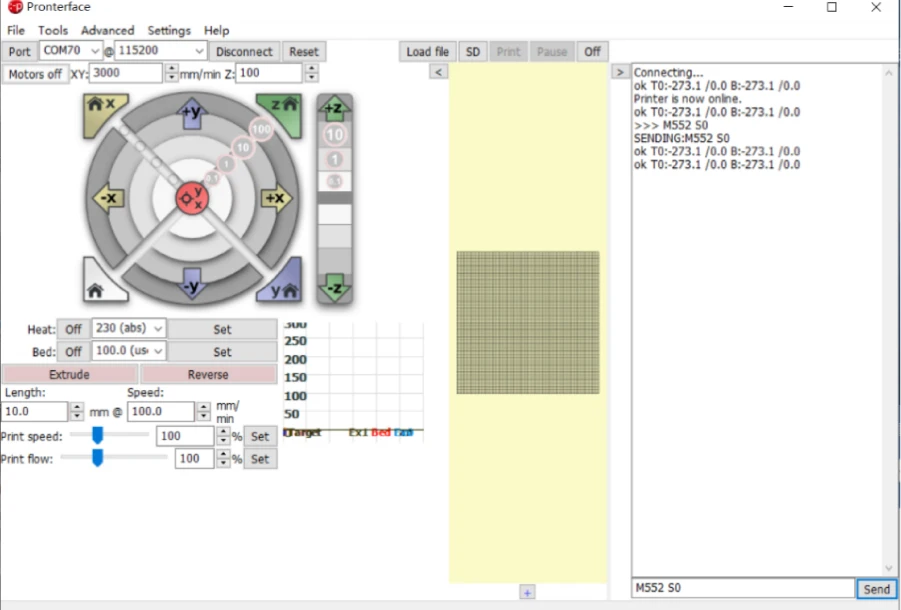
Send M552 S0 command to put wifi in idle mode
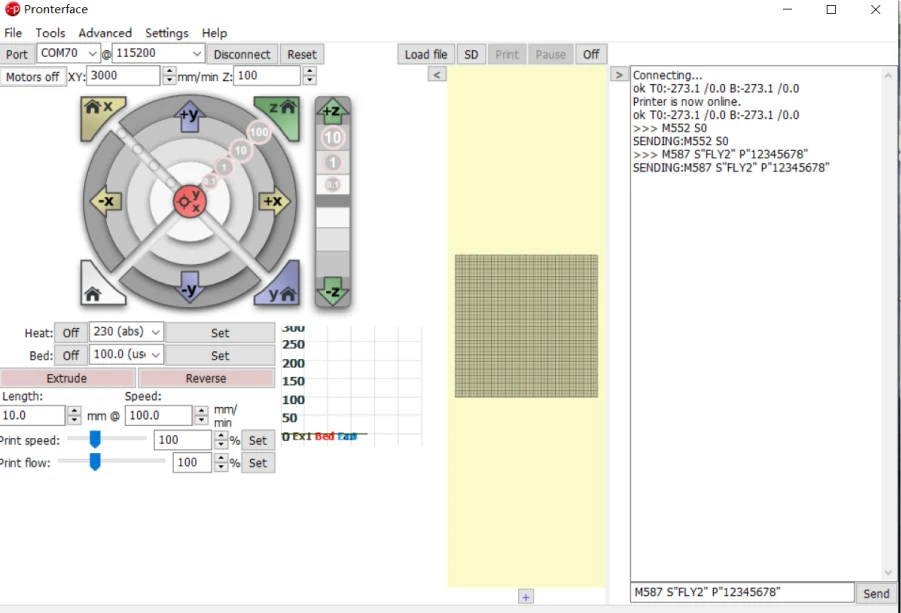
Send M587 S"your-network-ssid" P"your-network-password" command (After entering, the system will automatically remember the WiFi name and password) If your wifi password contains English lowercase, please add (') before the letter to configure according to the following example your-network-ssid: FLY2 your-network-password :fly12345 M587 S" FLY2" P"'f'l'y12345"
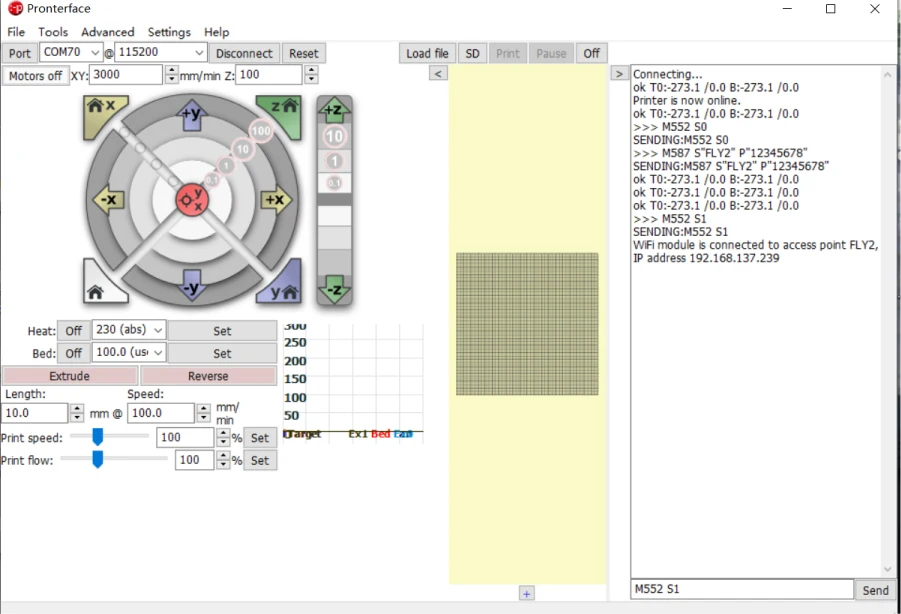
Then send M552 S1, turn on the network connection My network IP is 192.168.137.239, enter it into the browser
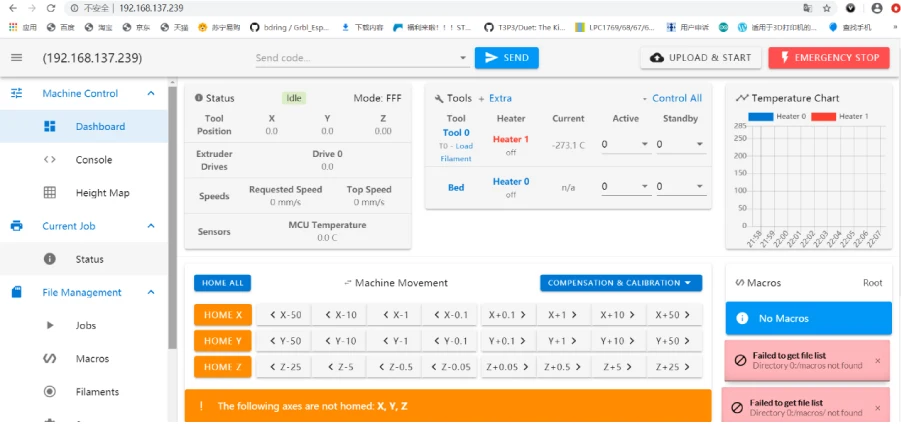
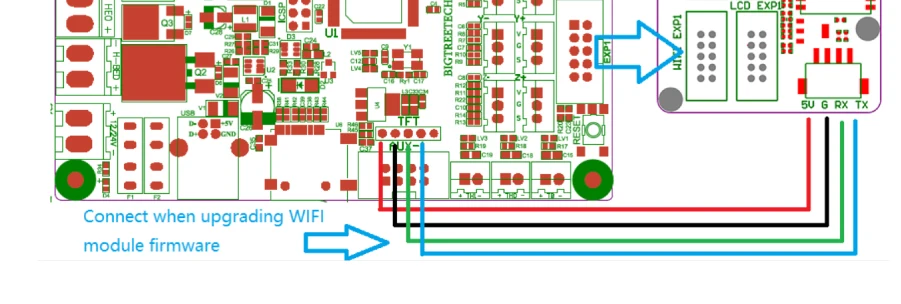
Then send M552 S1, turn on the network connection My network IP is 192.168.137.239, enter it into the browser
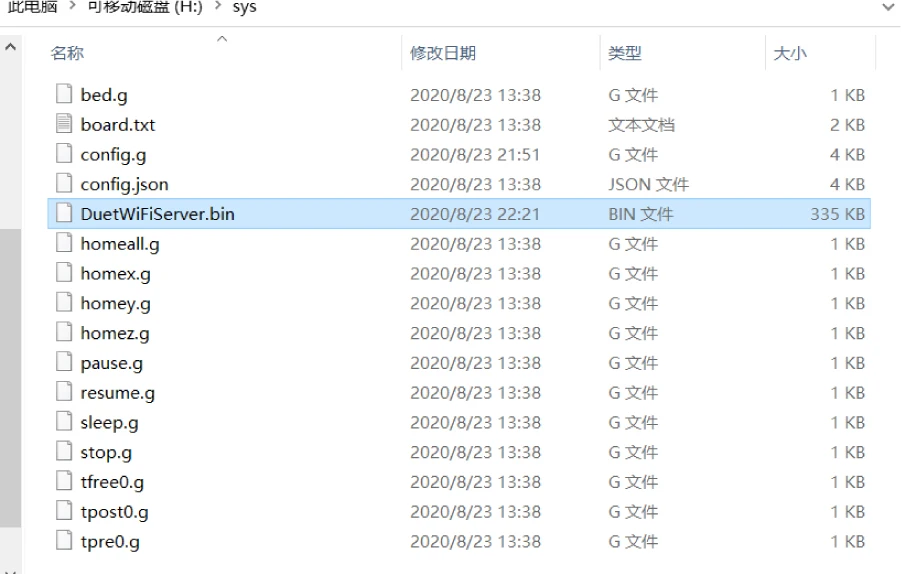
Wifi firmware download link: https://github.com/gloomyandy/DuetWiFiSocketServer/releases
Please put the DuetWiFiServer.bin file into the SYS directory of the SD card
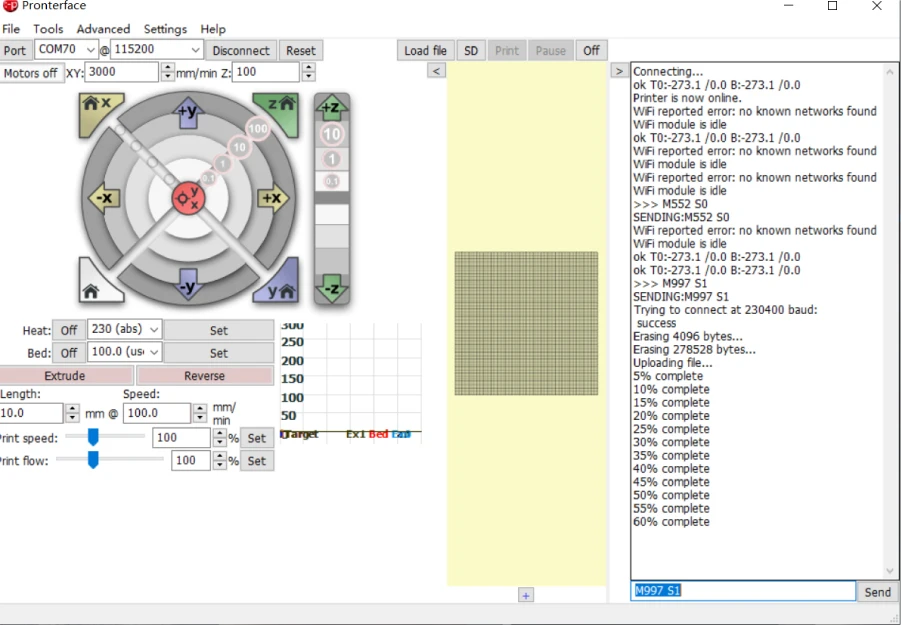
Insert the sd card back to the motherboard and open pronterface.exe Send command M552 S0 to put wifi in idle Send M997 S1 to update WIFI firmware After the update is complete, enter M552 S1 to start connecting to wifi